Turn any photo into a paint by number canvas
Free. Your photo stays on your device: nothing is uploaded.
Or drag and drop a photo here (JPEG, PNG, WebP)
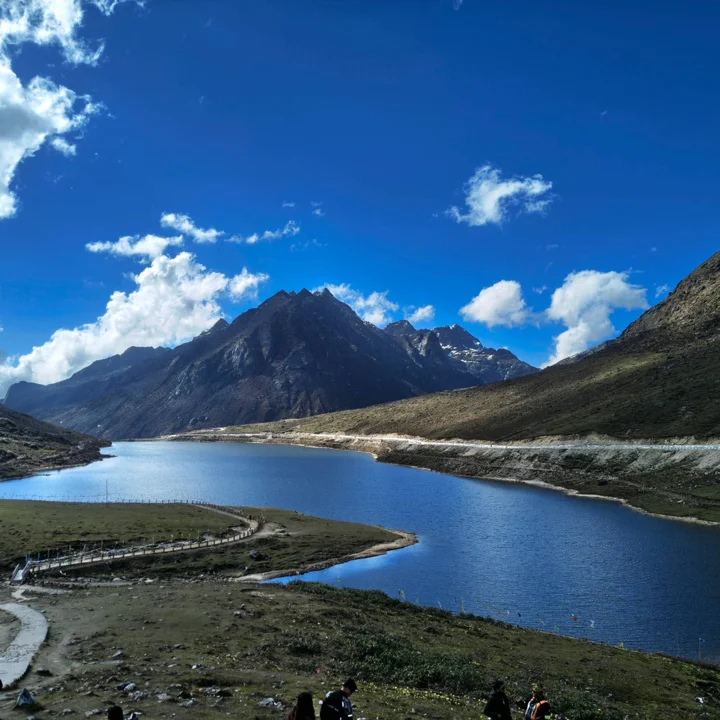
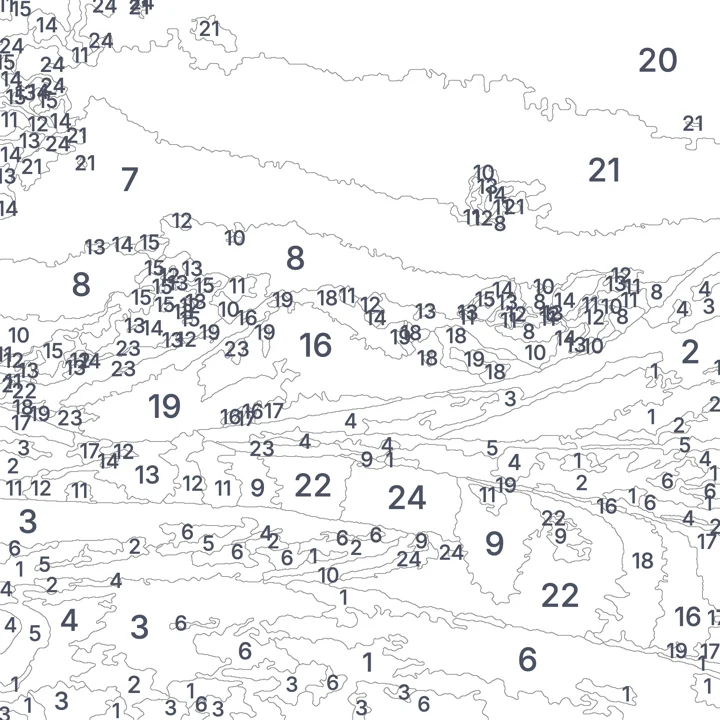
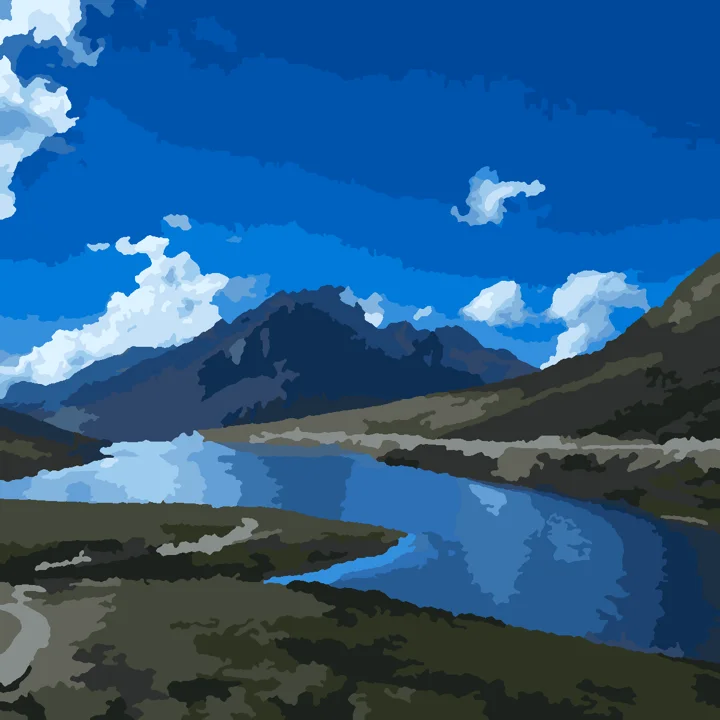
12–36 is best for painting by hand
Choose a photo above to build your numbered canvas.
Tip: tap the canvas to zoom in. Downloads and prints include every number.
Print at a print shop or on A3 and enlarge (the PNG download is at full 10 px/mm resolution).
12–36 is best for painting by hand.
How it works
- Choose a photo. Pick any picture from your phone or computer, or drag and drop it onto this page.
- Pick your paper, detail and colours. Choose A4, A3, US Letter or a 30×40 or 40×50 cm canvas, pick Easy, Medium or Fine detail, and choose 6 to 64 colours (12–36 is best for painting by hand).
- Download or print. Save the full-resolution PNGs, or print page 1 at exact paper size and page 2 as the colour key with approximate watercolour mixing recipes.
Your photo stays private
Everything runs locally inside your browser using JavaScript. Your photo is never uploaded to a server, stored in the cloud, or shared anywhere. Once the page has loaded, it even works offline.
How many colours and how detailed
You can choose anywhere from 6 to 64 colours (24 is the default), paired with Easy (bigger shapes), Medium (balanced, default) or Fine (most detail):
- 12 to 36 colours (best for painting by hand): the sweet spot for portraits, pets and everyday scenes, giving natural shading while keeping shapes comfortable for real brushes.
- 6 to 16 colours with Easy detail: best for simple subjects, bold portraits and younger painters, keeping shapes larger and easier to fill.
- 40 to 64 colours or Fine detail: ideal for intricate landscapes on larger paper such as A3 or 30×40 and 40×50 cm canvases. Numbers scale down to 1.2 mm on paper so small shapes stay legible.
Printing tips
- Paper weight: print the numbered sheet (page 1) on 200–300 gsm watercolour or heavy matte paper so it does not buckle or bleed when wet. Ordinary printer paper works fine for the colour key (page 2).
- Print at 100% scale: portrait and landscape orientation follow your photo automatically. Choose 100% scale in your print dialogue so the sheet prints at its exact size in millimetres.
- Canvas sizes (30×40 and 40×50 cm): print at a print shop or on A3 and enlarge. The PNG download gives you the full-resolution sheet at 10 px per mm.
Want to mix acrylics or match dried pots from a few basic tubes? Read our paint mixing guide.
Questions
Can I turn my own photo into a paint by number for free without uploading it to a server?
Yes. Everything runs inside your web browser on your own device. Your personal photos are never uploaded to a server, stored online or shared, so family, pet and travel pictures remain completely private.
How do I print a custom paint by number sheet at home?
Pick A4, A3 or US Letter (orientation matches your photo automatically) and click Print once your sheet is ready. Page 1 prints at exact paper size in thin light grey outlines and numbers, and page 2 gives the colour key with approximate watercolour mixing recipes. Set your printer scale to 100% and use 200–300 gsm watercolour or heavy matte paper. For 30×40 or 40×50 cm canvas sizes, download the full-resolution PNG for a print shop or print on A3 and enlarge.
How many colours should I choose when turning a photo into a paint by number?
You can choose from 6 to 64 colours (24 by default). For painting by hand with real brushes, 12–36 colours is best: use 12–18 colours for bold shapes and younger painters, 18–36 for balanced portraits and pets, and 40–64 for intricate scenes on larger sheets such as A3 or canvas sizes.
How do I mix paint colours for a printed paint by number sheet?
Every colour on the printable key includes an approximate watercolour mixing recipe from six basic paints (Lemon Yellow, Magenta, Phthalo Blue, Burnt Sienna, Black and Sap Green). Always start with the lightest colour or clean water, stir in darker pigments a drop at a time, and test a dried swatch on scrap paper first. You can also check our paint mixing guide.
Why do printed numbers show through light paint colours, and how can I fix it?
Pale yellows, creams and soft pinks are naturally translucent. Our printable sheet uses light grey outlines and numbers so they are clear while you paint and fade under colour. If you are painting with acrylic, dab a tiny dot of opaque white over the number, let it dry, and apply two thin coats of your colour.
Is there an app that lets me paint my own photos with real brush strokes?
Yes. 4-7-8: Paint by Number is a free Android app that turns any photo on your phone into a canvas with up to 64 colours, and lets you paint with real oil, acrylic, gouache and watercolour brushes and soft brush sounds, offline, with no ad popping up while you paint.